

When we launched PanelAlpha 2.0 Beta, we promised we’d waste no time getting the Single Server Edition ready for a stable release. A lot of that work happens directly in Engine, which handles the day-to-day work of running projects on your VPS.
PanelAlpha Engine 2.4.0 is one of the first results of that promise.
Restore a backup beside your live project
You can now restore a container project backup into a separate project, with its own name, domain, database and login. That gives you a place to check what’s in a backup or get to an earlier copy of your data while the original project keeps running. Database copies are also imported using the destination project’s own database account, so the copy stays within that project’s permissions.
Backups and restores can now run at a lower CPU and disk priority. On a VPS where several projects share the same resources, that lets live sites take priority while Engine creates or unpacks a backup in the background.
Deploy more apps from source
We’ve added 75 new source recipes, including Paperless-ngx, JupyterLab, Grafana, Kanboard and Calibre-Web. The recipes take care of the setup each app needs and give you a login so you can get straight to trying it. Engine can also pick up a login created by the app itself, as it does with Kanidm, and generate unique signing keys and other secrets when a template leaves them blank or supplies a public default.
Get more of your repositories running
Engine now does an even better job of working out how a repository should run. It can find the output of a static Astro build, read the SvelteKit adapter from the Vite config and distinguish a React Router server or a Django or Go app from a Vite site. Docker projects benefit from better port detection and broader Compose support, including keeping the dependencies, secrets and configuration files that services rely on.
Builds can adapt to more of what a project needs. Node projects can use the right major version of pnpm, retry with a fuller build image when they need tools like Git or Python, and install from package.json when a frozen install rejects an outdated lockfile. Engine can also work with more Java, Python, Go and PHP repository layouts, including Streamlit apps and Go modules in subdirectories. Database health checks use the credentials their service was started with, and Engine gives services such as RabbitMQ enough memory for the limits they set. It also keeps recipe settings in effect when they overlap with values in the project’s environment file.
If a redeploy runs and fails, Engine keeps the previous version serving. Deploy logs also give clearer reasons when a build gets stuck. Empty projects can show their welcome page and run scheduled jobs without any environment setup, and overlays can work on sites with a strict Content Security Policy.
Manage more from the CLI and API
If you work from the terminal, pae system:update can now check for and install an Engine update. Updates keep the local image cache registry and web server image source information in place, and commands that need confirmation stop if there’s no terminal to ask. If you manage Engine through an integration, you can read its configuration through the API, change settings such as telemetry and MCP tool availability, and create, narrow or revoke API tokens. Tokens stay within the permissions of the caller that manages them, so you can give an integration access to just the operations it needs.
Panel tokens for full-privilege projects can now use MCP as well, and project lists can show app status from stored data without checking every container each time. We’ve also updated the API reference and expanded automated test coverage across the CLI, API and server operations.
The next milestone is getting closer
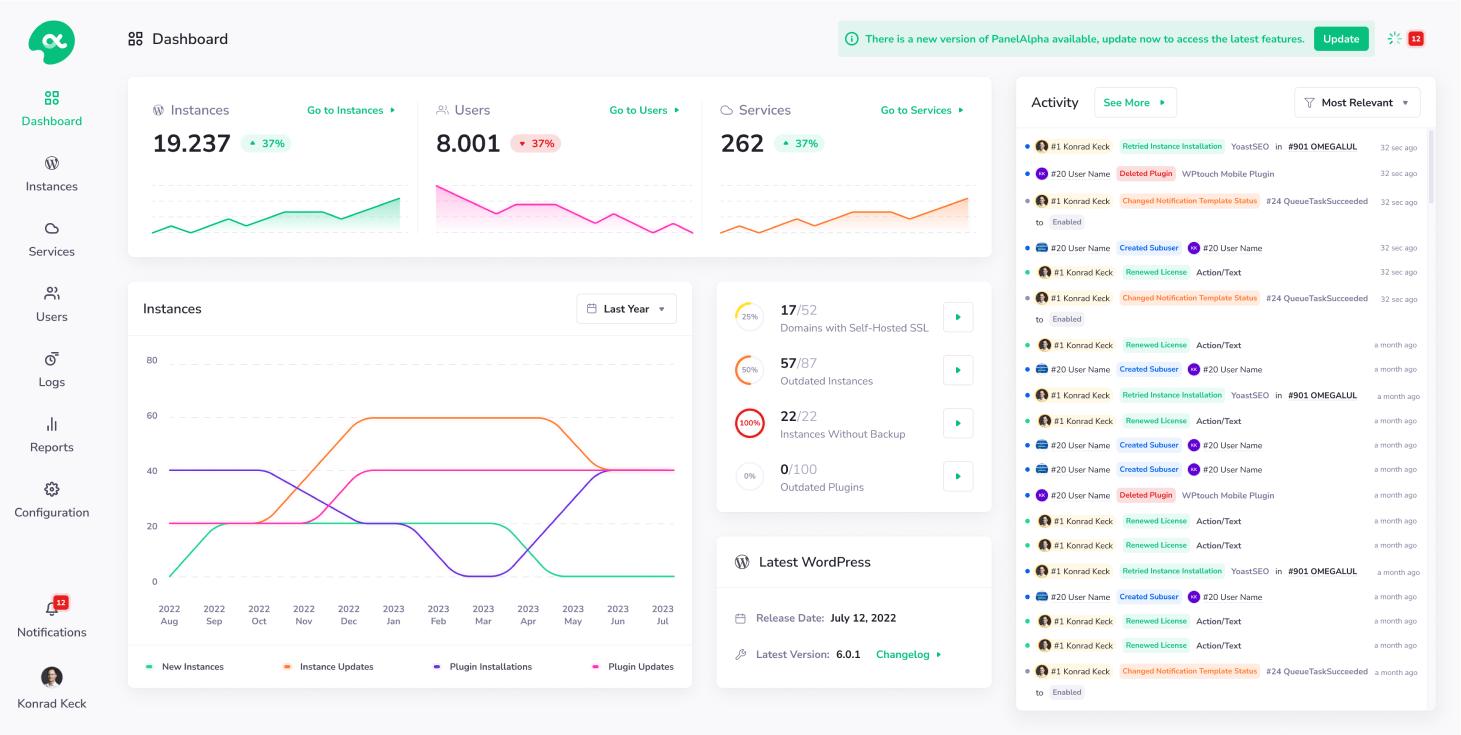
We’re continuing in the direction we set for PanelAlpha, transforming it into the easiest way to run your projects on your own server. Right now, a big part of that work is getting the Single Server 2.0 ready for its stable release. Here’s a little sneak peek:
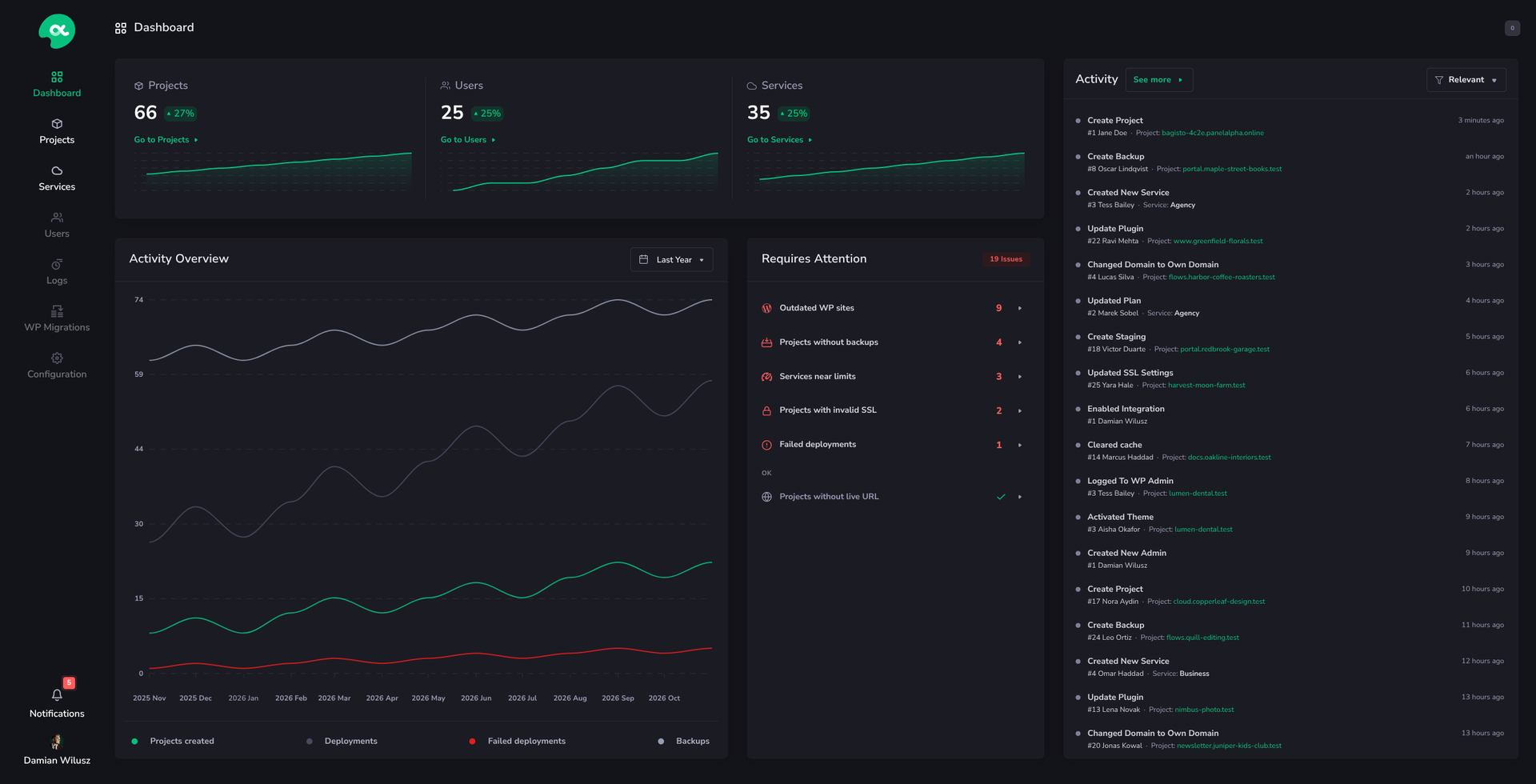
If you’ve been trying the beta or running Engine on your own server, we’d love to get all the details of how it’s going. Come talk to us on Discord, or bring an idea, a bug report or a contribution to GitHub.



Comments