

The control panel we built for WordPress can now look after the rest of your projects too. PanelAlpha Single Server 2.0 Beta is ready, and it’s also free and open source! It follows in the footsteps of Engine 2.0 and gives you one place to manage whatever you run on your own VPS, from a simple static site to an app you built with AI or an open source tool you starred on GitHub to try later.
The release also covers an update to PanelAlpha Engine, which powers the new panel, and the official launch of PanelAlpha Hub and PanelAlpha GO!, both designed to make your self-hosting experience easier in entirely new ways.
PanelAlpha Single Server 2.0 Beta
AI has made it much easier to turn an idea into a working app. For many vibe coders, a simple, intuitive control panel can do the same for managing it once it’s live. With the app’s status, domains, logs and settings in one place, it’s easier to see how it’s running and where to make changes.
Single Server now provides that visual layer in your browser, with your WordPress site, a Next.js app and the tool you found online all right there in the same panel on your own VPS. The new release debuts as the Community Plan and it’s perfect for solo builders looking after one server, with no license key and no limit on the number of projects they can add.
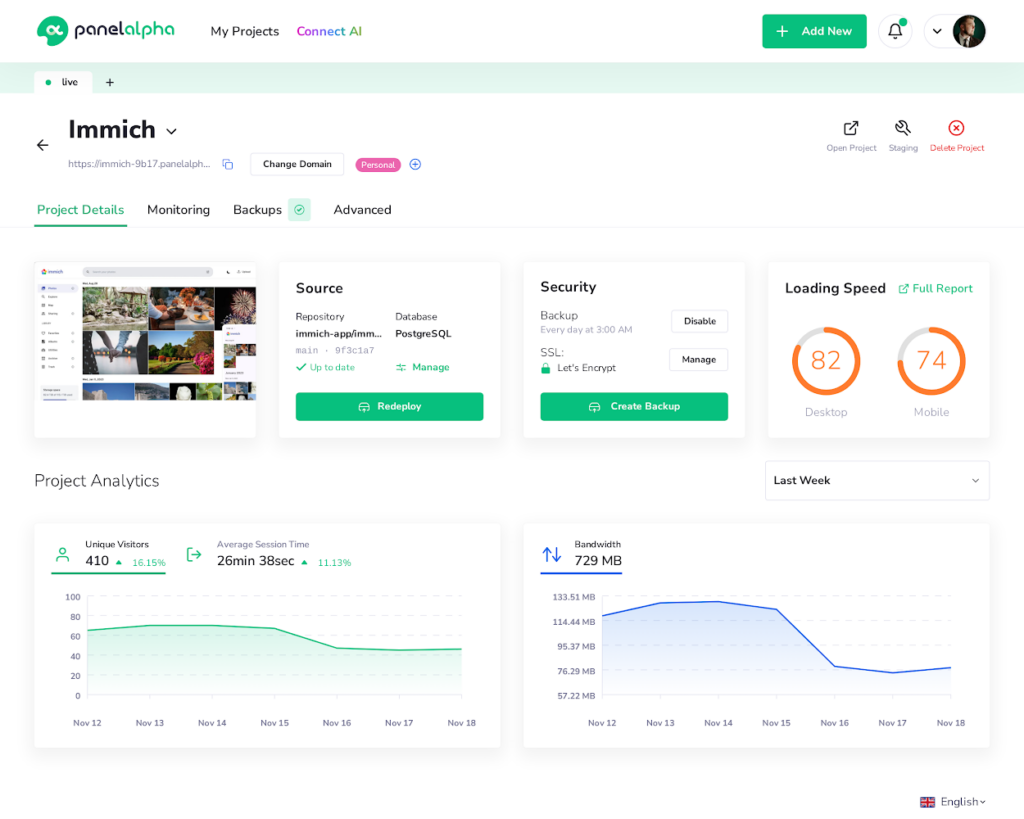
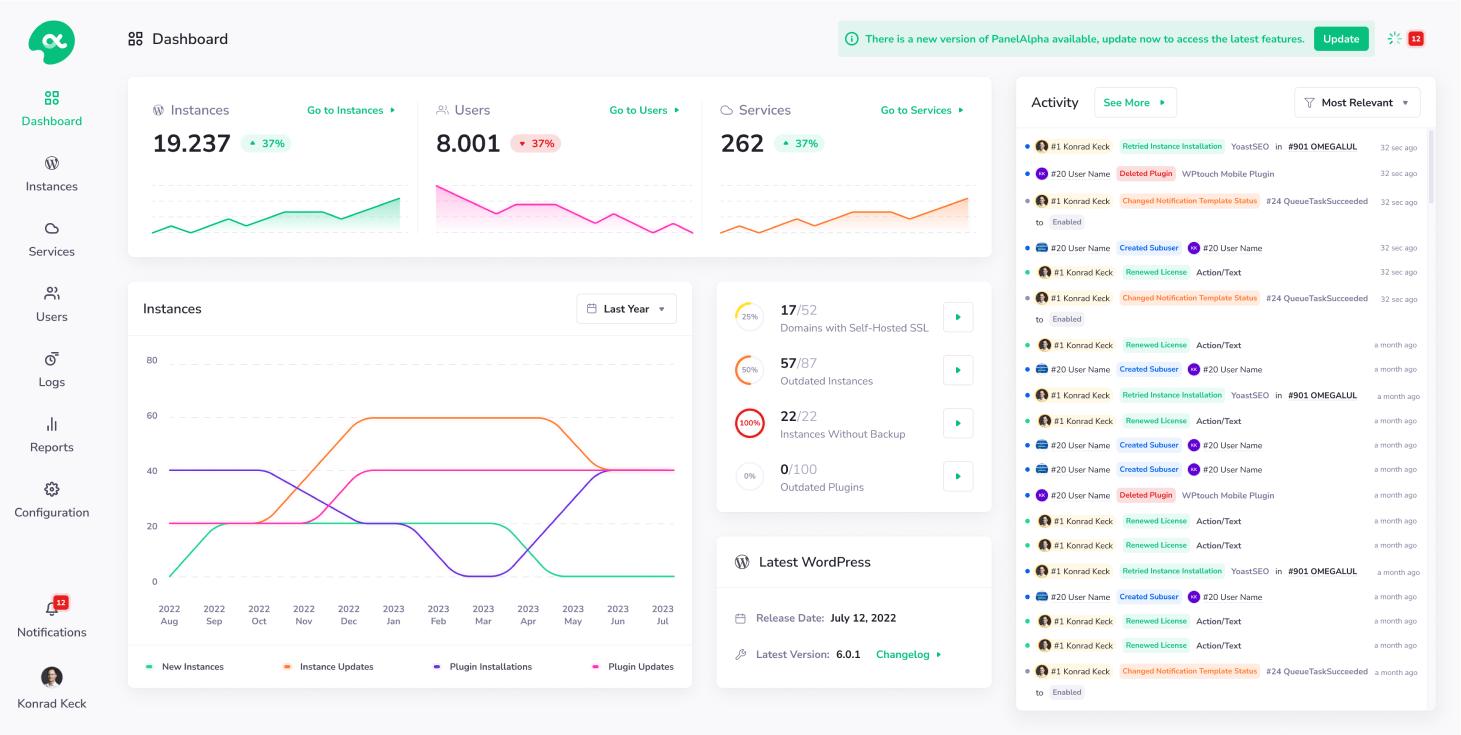
PanelAlpha Engine does the hosting underneath, and the panel gives you a screen for everything it runs. Adding a domain, restoring a backup or pushing a staging copy live takes a few clicks instead of a session in the terminal.
What you can do in the panel
Start a project your way
Create a WordPress site, deploy an app from GitHub, GitLab or Bitbucket, or upload a ZIP or tar archive. Moving a WordPress site? Bring it over with PanelAlpha Migrator.
Domains and HTTPS
Point your own domain at a site, add more domains and redirects, and get a Let’s Encrypt certificate for each one.
Backups you can restore
Back up by hand or on a schedule, to S3, SFTP, FTP or a local folder. On WordPress, restore the files and the database separately.
Staging
Make a copy of a site, try your changes there and push them live when you’re ready. A Git project can deploy a branch to staging.
Git deploys
Switch branches, follow the deploy log as it runs and redeploy automatically every time you push.
WordPress tools
Sign in to the dashboard without a password, update WordPress and WooCommerce, install plugins and themes and turn on automatic updates.
Files, databases and settings
Use the file manager, give someone FTP or SFTP access, create MySQL databases, set up cron jobs and change the PHP version.
Statistics and logs
See who visits your sites, how much CPU, RAM and disk the server uses, and the PHP and web server logs of each site.
Every site runs as a separate project with its own files, databases and backups, so one broken app won’t take the others down. When a deployment does go wrong, the panel is a good place to spot it. If you’d like help figuring out why, you can hand it over to an AI assistant connected through MCP. You decide what it can access and can revoke its token from the panel.

Control panel open to everyone
Community Plan is free and open source under Apache 2.0, so there’s room for anyone to help make it better. If you get stuck, have a use case we’ve missed or see a way to improve the code or docs, come tell us about it on GitHub. Giving the project a ★ also lets us know you’re happy to see it out in the world.
Get involvedYour first run with Single Server
Start with a fresh VPS running Debian 12 or 13, or Ubuntu 22.04, 24.04 or 26.04, with 2 GB of RAM, root access over SSH and a domain pointed at it. Port 80 needs to be open, because Let’s Encrypt uses it. Then run this command on the server:
$ curl -fsSL get.panelalpha.com/single-server | sh
You can read the script and every install option in the setup instructions in the repo. During setup, you can create a local account or connect the panel to Hub. Git rollback to an earlier commit and site-wide password protection are still pending in this beta.

Engine has a few new tricks
On a server where you deploy often, every unnecessary rebuild costs you time. The same goes for a failed deployment that gives you nothing to work with. We’ve worked on both in Engine 2.3.0, the release that also powers the new control panel.
The latest release also gives Engine itself less direct access to your server. Operations that need elevated permissions now go through a separate component that runs and logs a fixed set of actions.

Bring your servers into one view
We built PanelAlpha Hub for anyone who’s ever signed in to three different panels just to see how their servers are doing. Hub brings your connected panels and Engine installations together in a single dashboard.
Open Hub and see how your servers are doing and where you’re needed. Check projects across your connected panels, and track uptime, resource use and recent events for your connected Engine installations. If a backup failed overnight, you can see which server it happened on and go straight there.
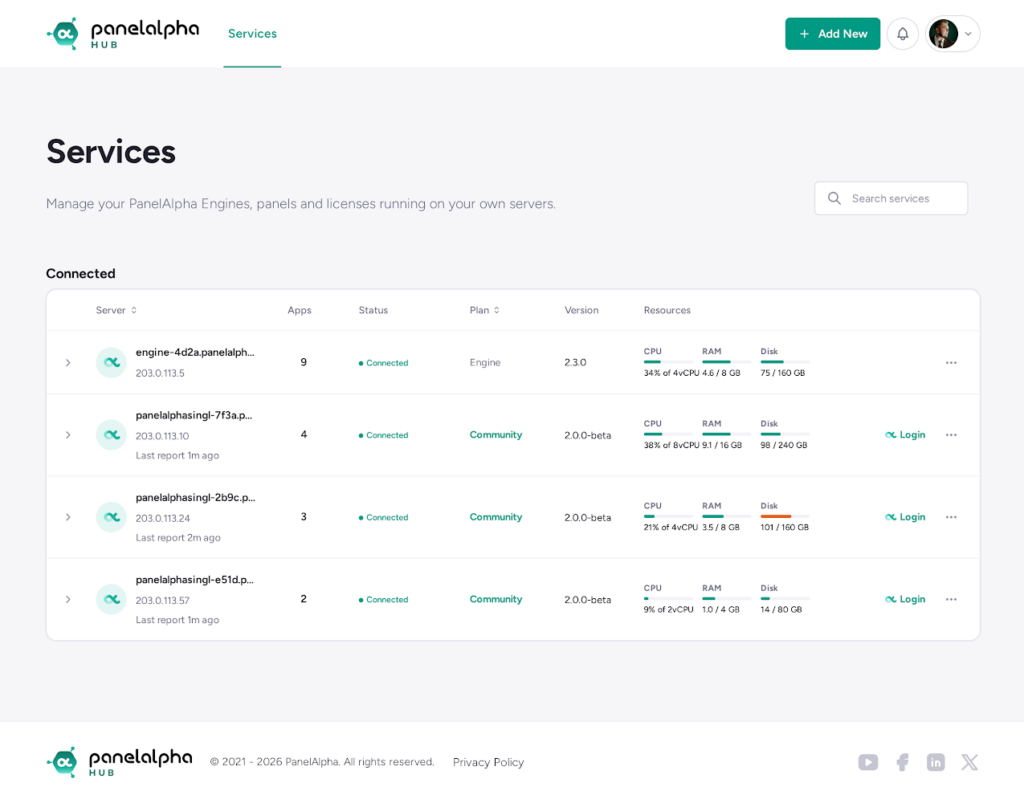
Connecting is free and optional. Link an existing Engine installation from Hub, or connect a panel during setup or later in Settings. Once a panel is connected, you can sign in to it with your Hub account.

Try any app free for an hour
PanelAlpha GO! is a go-to place for anyone who’s found an app they wanted to try but kept saving it for a free evening that never came. Pick from more than a thousand open source apps we’ve already deployed and tested, or paste a public GitHub, GitLab or Bitbucket URL to deploy it.
You get a free, 60-minute preview in your browser, with no server to set up, no account to create, and no credit card to enter.
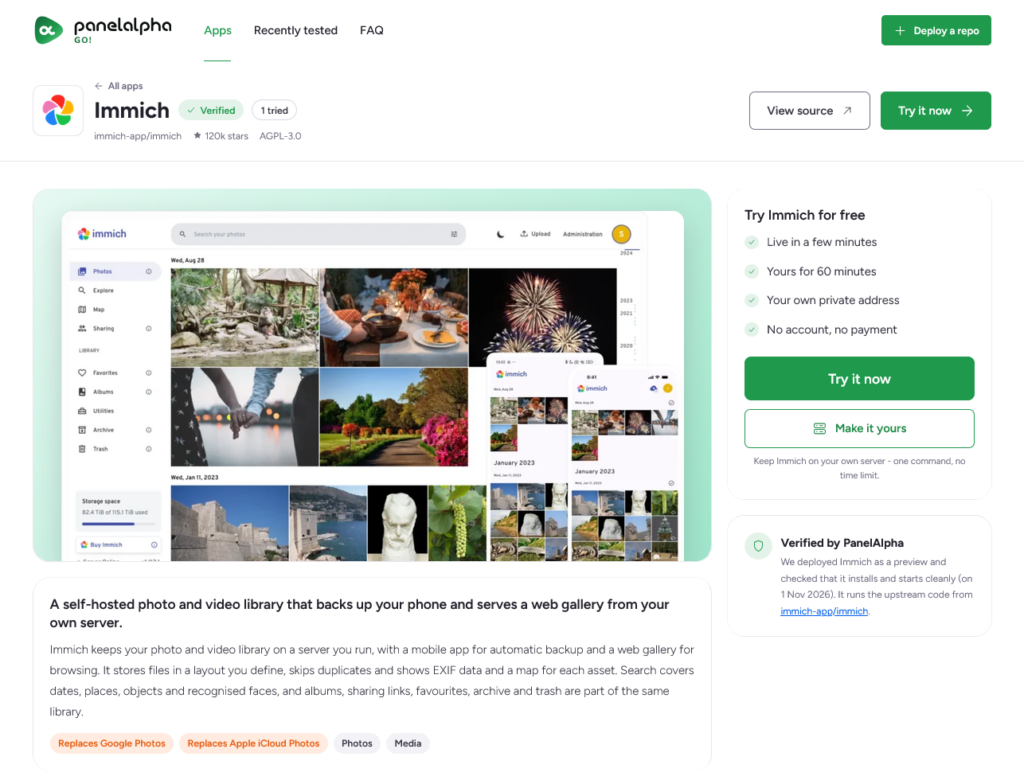
Open Immich and see how you’d browse your photos, start a draft in Ghost or spend a few minutes with Uptime Kuma to see if it shows you what you need at a glance. If you find something worth keeping, GO gives you a command to install it on your VPS, and catalog apps can also be installed directly from the Single Server panel. The preview expires after an hour, and your own installation starts fresh.
Pick your starting point
If you already have a project in mind, start with the Single Server beta on a fresh VPS or use Engine directly if you prefer the terminal or an AI assistant. If you’re already looking after a few servers, connect them to Hub and see what your next check-in looks like. If you’re still deciding what’s worth running, give yourself an hour with an app on GO.
We’d like to know how these tools fit into the work you actually do, especially where a step makes you stop and look for help or sends you back to doing it by hand. You can tell us what happened by opening an issue on GitHub, or join us on Discord to talk directly with the team and compare notes with others running their own projects. Hearing how it went helps us see what needs work and what’s worth building next.



Comments